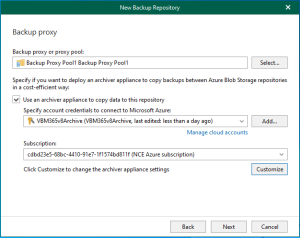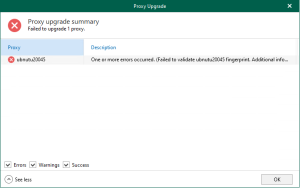
Version 8 of Veeam Backup for Microsoft 365 introduced proxy pools to improve performance and scalability in large installations. By logically combining several backup proxies, a proxy pool enables dynamic load distribution of backup and restore traffic, removing bottlenecks and accelerating processes.
Note:
- It is not possible to add the default backup proxy server to backup proxy pools.
- Each backup proxy server in the backup proxy pool needs to be reachable by its DNS name.
1. Login to the Veeam Backup for Microsoft 365 Manager server.
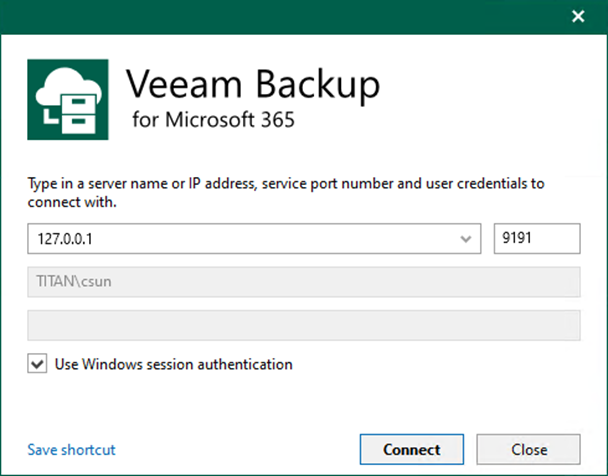
2. Open the Veeam Backup for Microsoft 365 console and click Connect.
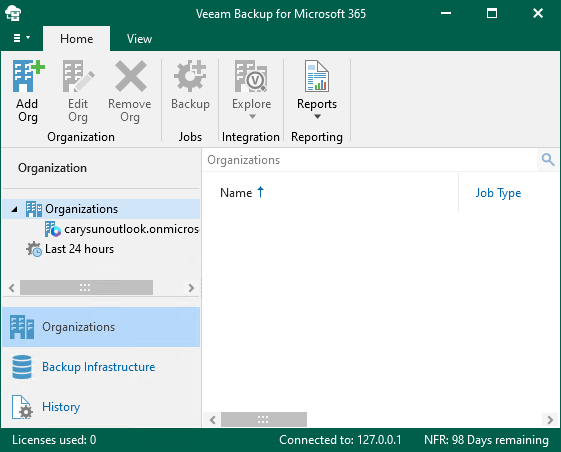
3. On the Veeam Backup for Microsoft 365 console page, select Backup Infrastructure.
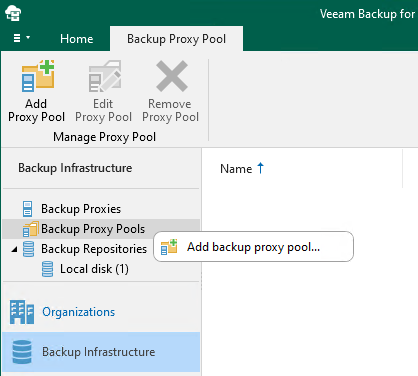
4. On the Backup Infrastructure page, right-click Backup Proxy Pools and select Add backup proxy pool.
5. In the Name field, enter the name for the backup proxy pool, and click Next.
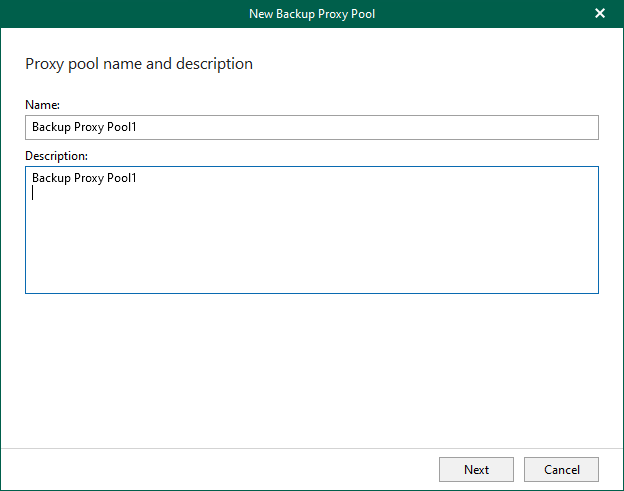
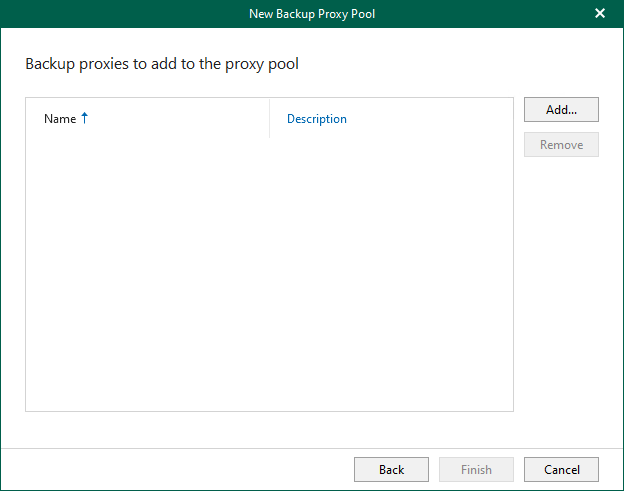
6. Click Add on the Backup proxies to add to the proxy pool page.
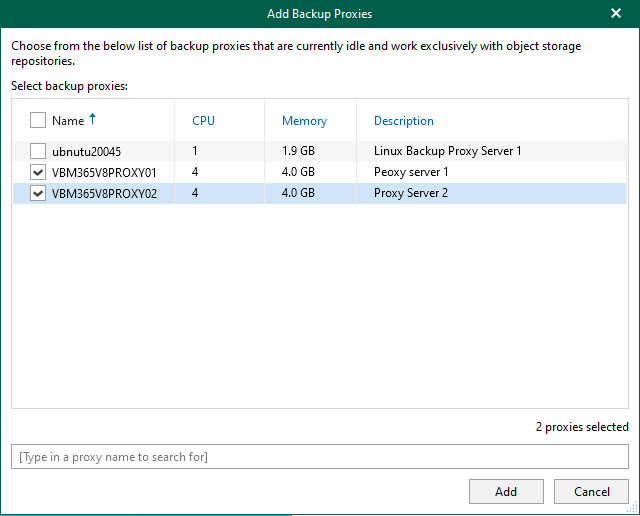
7. Select the Backup proxy servers and click Add.
8. Click Finish on the Backup proxies to add to the proxy pool page.
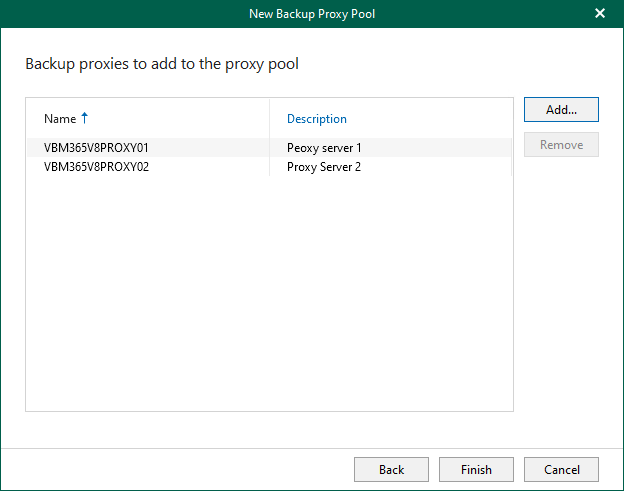
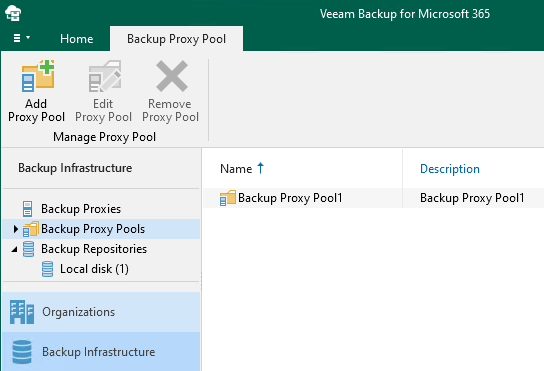
9. Verify that the Linux Backup proxy pool has been added.
I hope you enjoy this post.
Cary Sun
X: @SifuSun
Web Site: carysun.com
Blog Site: checkyourlogs.net
Blog Site: gooddealmart.com
Amazon Author: Amazon.com/author/carysun

Author: Cary Sun
Cary Sun has a wealth of knowledge and expertise in data center and deployment solutions. As a Principal Consultant, he likely works closely with clients to help them design, implement, and manage their data center infrastructure and deployment strategies.
With his background in data center solutions, Cary Sun may have experience in server and storage virtualization, network design and optimization, backup and disaster recovery planning, and security and compliance management. He holds CISCO CERTIFIED INTERNETWORK EXPERT (CCIE No.4531) from 1999. Cary is also a Microsoft Most Valuable Professional (MVP), Microsoft Azure MVP, Veeam Vanguard and Cisco Champion. He is a published author with several titles, including blogs on Checkyourlogs.net, and the author of many books.
Cary is a very active blogger at checkyourlogs.net and is permanently available online for questions from the community. His passion for technology is contagious, improving everyone around him at what they do.
Blog site: https://www.checkyourlogs.net
Web site: https://carysun.com
Blog site: https://gooddealmart.com
Twitter: @SifuSun
in: https://www.linkedin.com/in/sifusun/
Amazon Author: https://Amazon.com/author/carysun