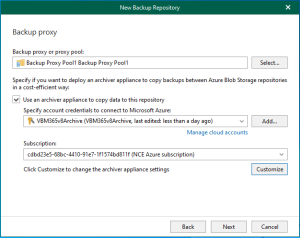
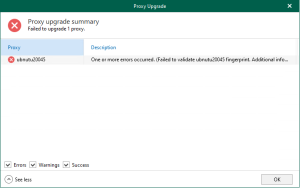
Linux Backup proxy servers are auxiliary servers that you can configure to improve performance, scalability, and flexibility.
1. Login to the Veeam Backup for Microsoft 365 Manager server.
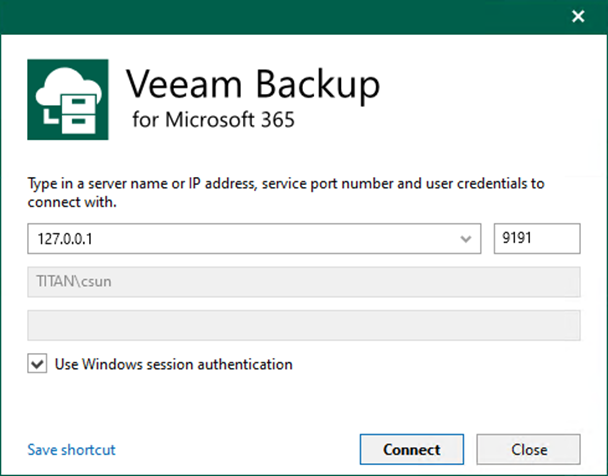
2. Open the Veeam Backup for Microsoft 365 console and click Connect.
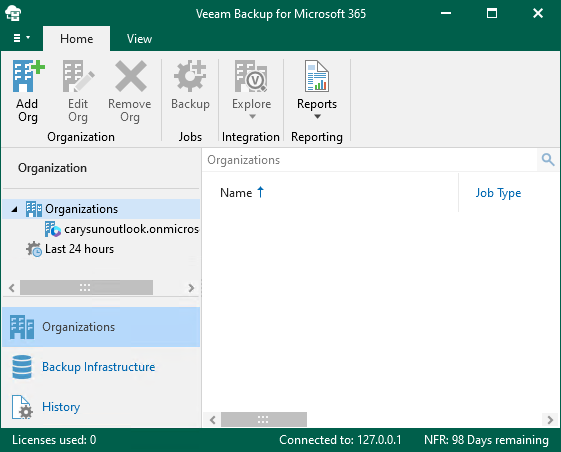
3. On the Veeam Backup for Microsoft 365 console page, select Backup Infrastructure.
4. On the Backup Infrastructure page, right-click Backup Proxies and select Add backup proxy.
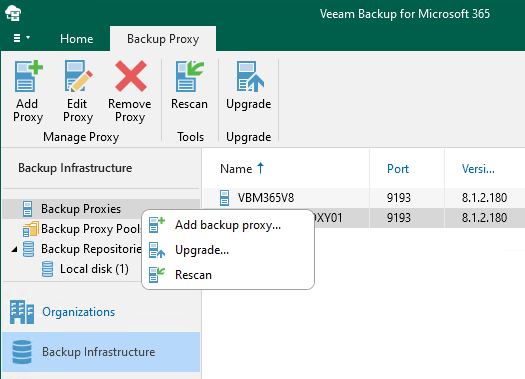
5. Select Linux on the Proxy server operating system page and click Next.

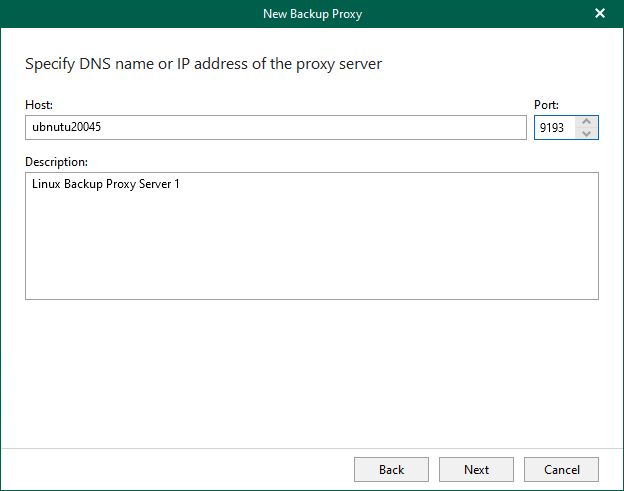
6. In the Host field, enter a DNS name or IP address of a computer you want to use as a backup proxy server, and click Next.
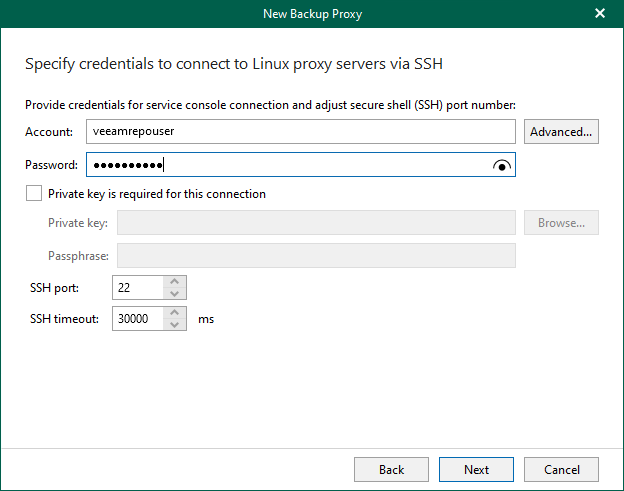
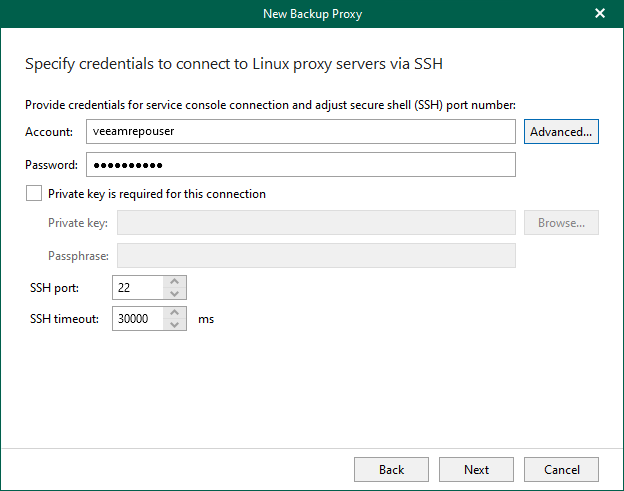
7. On the Specify credentials to connect to Linux proxy servers via SSH page, enter a user name in the Account field.
8. Enter the password of the user account and click Advanced.
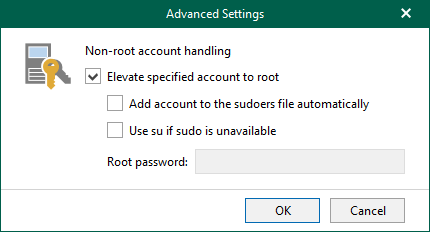
9. Select the Elevate specified account to root on the Advanced Settings page and click OK.
10. Click Next on the Specify credentials to connect to Linux proxy servers via SSH page.
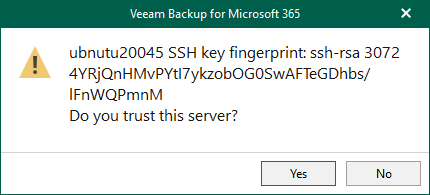
11. Click Yes on the trust warning message.
12. Select the veeam365backup account on the Specify account to run the proxy service page and click Next.

13. Please double-check the Windows firewall settings for the opening of the required ports if it happens. Network path not found or invalid credentials supplied error—the detailed information is below.
https://helpcenter.veeam.com/docs/vbo365/guide/vbo_used_ports.html?ver=80
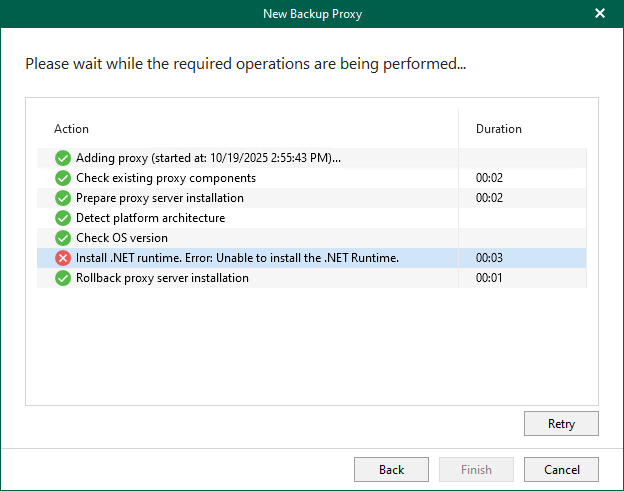
14. Please ensure to download and install the .NET Runtime 8.0 on the Linux proxy server.
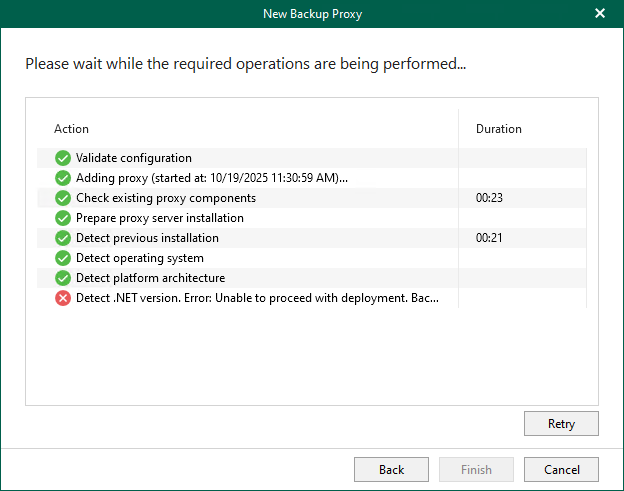
15. The Linux proxy server using the server name connects with the Veeam Backup for Microsoft 365 server, not the IP address. The problem can be solved by editing the HOSTS file.
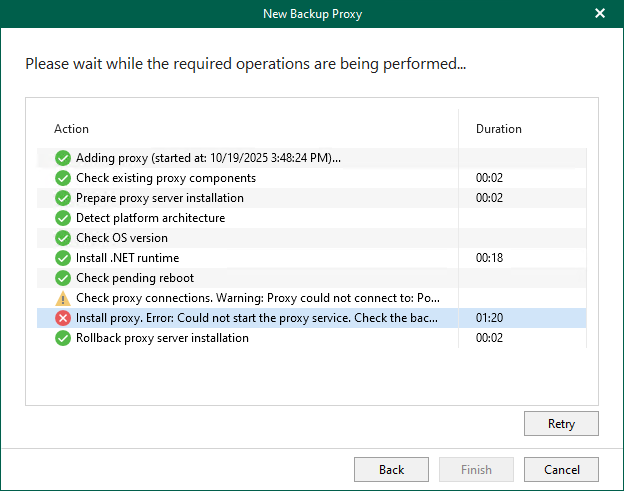
16. Please ensure the Linux proxy server meets the system requirements and click Finish.
https://helpcenter.veeam.com/docs/vbo365/guide/vbo_system_requirements.html?ver=80
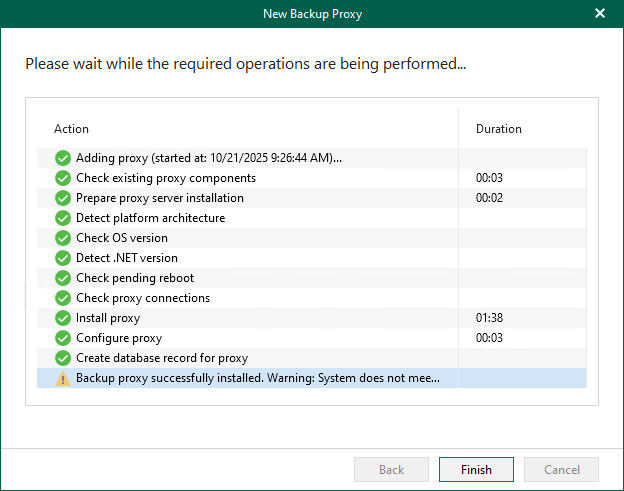
17. Verify that the Linux Backup proxy server has been added.
I hope you enjoy this post.
Cary Sun
X: @SifuSun
Web Site: carysun.com
Blog Site: checkyourlogs.net
Blog Site: gooddealmart.com
Amazon Author: Amazon.com/author/carysun

Author: Cary Sun
Cary Sun has a wealth of knowledge and expertise in data center and deployment solutions. As a Principal Consultant, he likely works closely with clients to help them design, implement, and manage their data center infrastructure and deployment strategies.
With his background in data center solutions, Cary Sun may have experience in server and storage virtualization, network design and optimization, backup and disaster recovery planning, and security and compliance management. He holds CISCO CERTIFIED INTERNETWORK EXPERT (CCIE No.4531) from 1999. Cary is also a Microsoft Most Valuable Professional (MVP), Microsoft Azure MVP, Veeam Vanguard and Cisco Champion. He is a published author with several titles, including blogs on Checkyourlogs.net, and the author of many books.
Cary is a very active blogger at checkyourlogs.net and is permanently available online for questions from the community. His passion for technology is contagious, improving everyone around him at what they do.
Blog site: https://www.checkyourlogs.net
Web site: https://carysun.com
Blog site: https://gooddealmart.com
Twitter: @SifuSun
in: https://www.linkedin.com/in/sifusun/
Amazon Author: https://Amazon.com/author/carysun